How Do You Design Passwordless Authentication?
Quick Answer: Design passwordless authentication by choosing a method that fits user devices, security risk, and recovery expectations. Passkeys provide strong phishing resistance, while magic links and one-time codes depend more heavily on email, messaging, and session integrity. Protect enrollment and recovery, explain device behavior, bind authentication to the intended session, and retain an accessible fallback that does not undermine the primary control.
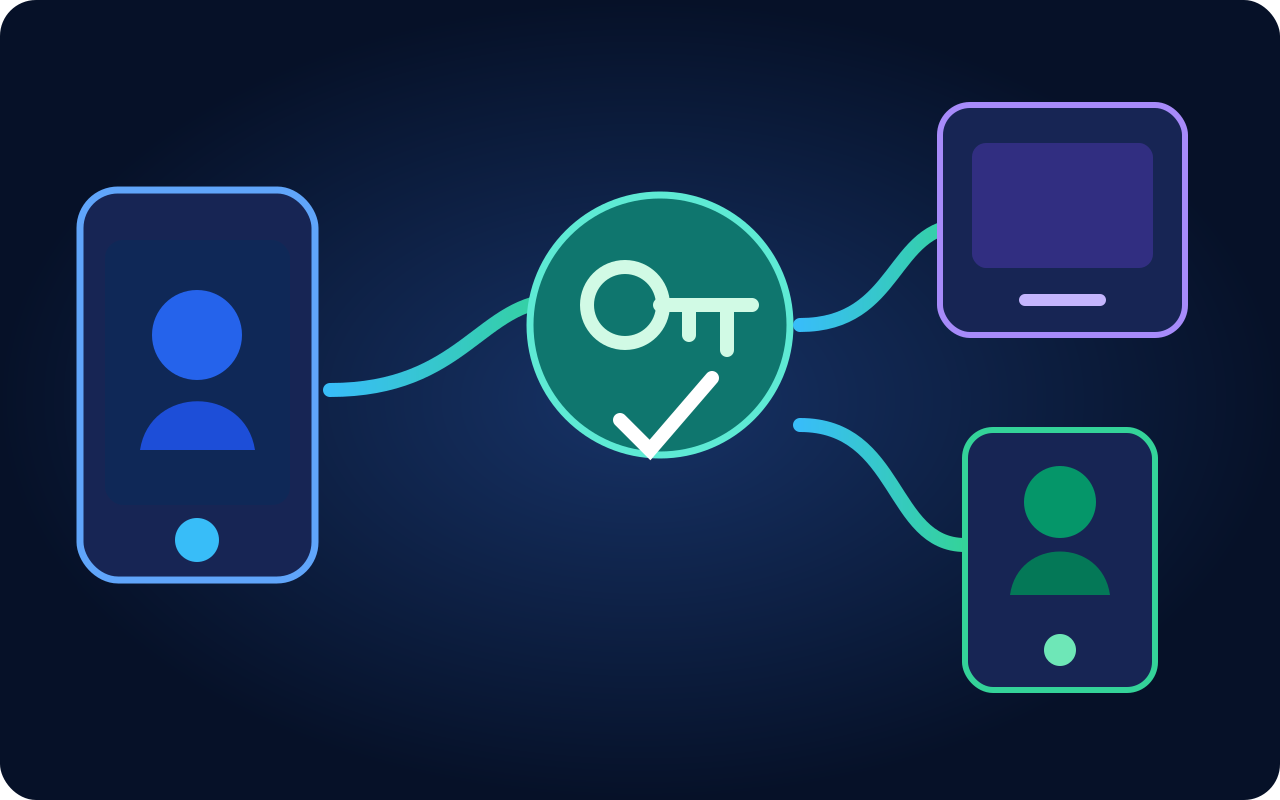
Which Passwordless Method Fits the Product?
Passkeys use public-key credentials and can offer strong phishing resistance with platform-supported device experiences. Magic links and one-time codes may be easier to introduce but depend on the security and availability of email or messaging. Compare audience devices, shared-device use, accessibility, account value, enterprise policy, and recovery needs.
Support several authenticators when the audience needs them, but avoid an insecure fallback that bypasses the strongest method. State how credentials sync, whether they are device-bound, and what happens when a user changes phone, loses access, or works across personal and managed devices.
How Should Enrollment and Sign-In Be Protected?
Require an authenticated or independently verified context before adding a credential. Show the account and device being enrolled, notify existing trusted channels, and record the event. Rate-limit code and link requests without creating a denial-of-service tool against the account owner.
Bind links and codes to a short lifetime, intended account, and initiating session where possible. Consume them once, protect redirects, and avoid leaking tokens through logs, analytics, or referral headers. Rotate the session after authentication and enforce tenant membership and product authorization separately.
| Method | Strength | Primary concern |
|---|---|---|
| Passkey | Phishing-resistant public key | Device and recovery understanding |
| Magic link | Low-friction email flow | Mailbox and link binding |
| One-time code | Broad device compatibility | Phishing and interception |
| Recovery code | Offline fallback | Secure storage and rotation |
Passwordless authentication removes password risk but does not remove enrollment, session, recovery, or authorization risk.
What Makes Account Recovery Safe and Usable?
Offer additional registered authenticators, recovery codes, verified administrator support, or a delayed evidence-based process according to risk. Explain the expected time and result. Support teams should not be able to bypass controls through an informal conversation.
Test new devices, lost devices, expired links, repeated attempts, cross-device flows, shared computers, assistive technology, and provider outages. HashBaze helps teams design passwordless journeys, secure enrollment, session handling, recovery, and monitoring without trading usability for hidden account risk.
Frequently asked questions
Clear answers to the most important questions covered in this guide.
How Can HashBaze Help With This Work?
Explore our product development services or bring us your current product challenge for a focused technical conversation.